

QUICKSURFACE Software and SOLIDWORKS Plugin
Reconstruct professional CAD models from 3D mesh data generated by any 3D scanner. QUICKSURFACE offers powerful tools for creating curves and surfaces, enabling you to transform scan data into precise CAD models faster than if you do it from a blank slate.
Benefits

Simple Yet Powerful

Best Fit Algorithms

Simplify SCAN to CAD Process

QUICKSURFACE Scan to CAD Software
QUICKSURFACE Scan to CAD Software


QUICKSURFACE Pro - Annual Maintenance
QUICKSURFACE Pro - Annual Maintenance
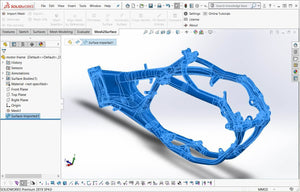
QUICKSURFACE for SOLIDWORKS
QUICKSURFACE for SOLIDWORKS
What's New in QUICKSURFACE 2026?
More power. smarter. faster. With expanded surfacing functionality and refined surface control, QUICKSURFACE 2026 gives you the freedom to design with confidence and achieve production-ready results faster than ever before.
- Selection-Based Symmetry Plane: Compensate for real-world imperfections while maintaining precision in critical regions.
- Advanced Lofting Tools: Create smooth, continuous surfaces with ultimate flexibility.
- Enhanced Thickening and Shelling: Produce production-ready geometry faster and more reliably.
- Draft & Move Face: Make quick manufacturability adjustments with precision and ease.
- Advanced Fillets: Variable and three-face options for seamless transitions in complex geometry.
- Surface Flattening: Generate outlines for decals, films, or flexible materials that must fit complex shapes.
- Live Deviation Analyzer: Get instant, dynamic feedback at every stage of your modeling process.
- Editable Fit Surface Trimming/Solid splitting with sketches
- And much more…
3D Scanning to CAD Case Study

How Philadelphia Racing Products Overhauls the Product Design Process with QuickSurface for SOLIDWORKS®
Learn how GoMeasure3D’s client, Philadelphia Racing Products, overhauled its product design and development process by implementing a Scan to CAD workflow with QUICKSURFACE plugin for SOLIDWORKS.
Read NowA Detailed Guide to Reverse Engineering in SOLIDWORKS [with Videos]
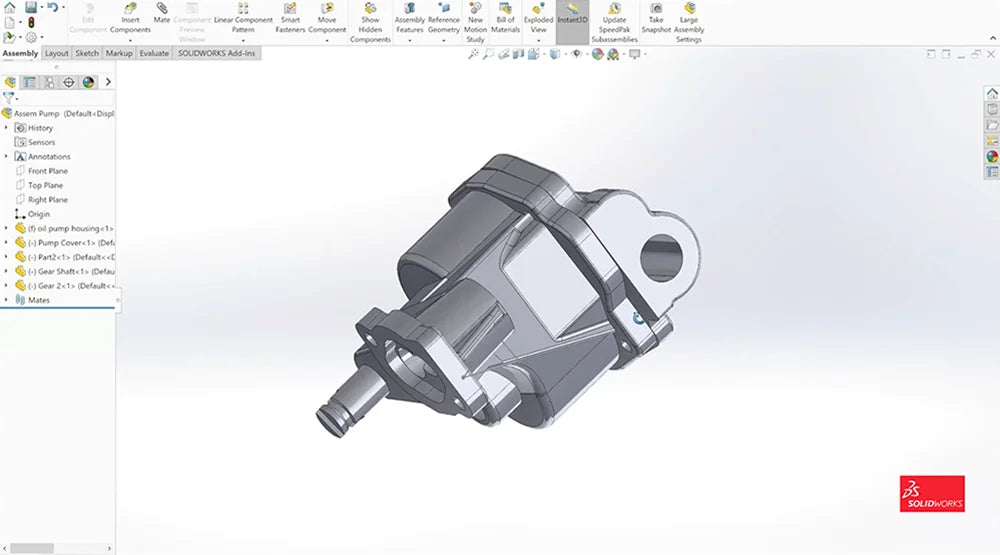
* This guide was written by GoMeasure3D's COO, Paul Motley.
In my 15+ years of working in the 3D scanning industry, I had completed many reverse engineering projects. To be completely honest, I have spent plenty of time doing it the wrong way. I created this detailed guide because I want to show you all you need to know about the Scan to CAD process. It was trial and error that ultimately led me to come up with the best practices of reverse engineering.
Read the Guide


